
Web Graphics Tutorial
This web graphics tutorial consists of the following lessons.
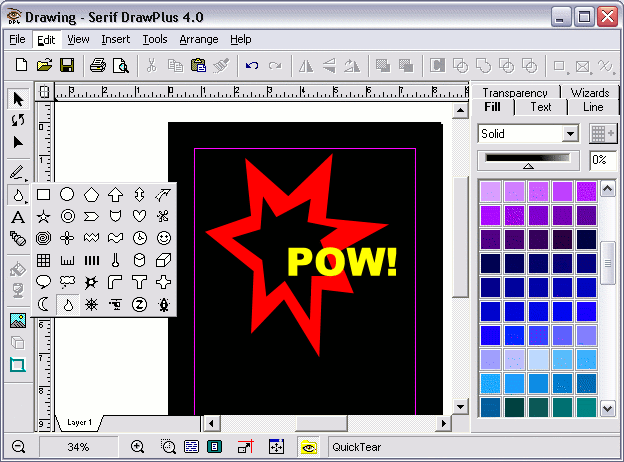
This web graphics tutorial shows you how to create graphics for your website, and is designed for beginners - you don't have to know anything about graphics. It is preferable that you know how to link to an image using HTML or CSS, but that's not essential - we'll cover that later on anyway.
And in case you're wondering - creating web graphics is easy!
What this tutorial will show you, is how to create an image so you can upload it to a web server. The term image and web graphic is often used interchangeably on the web. Once you've created a web graphic and uploaded it to a web server on the Internet, you can then link to it using HTML or CSS.
You might also like to check out the GIMP tutorial. GIMP is a pretty cool, free image editing program.