
Database Summary
So, you've made it to the last page of this database tutorial... Well done!
You should now have a general understanding about databases and how they're used. This tutorial was intended for beginners trying to gain an understanding of databases. Databases are not like most other files and require a little bit of thought in order for you to understand the concept.
If you have your own database management system installed, you should have a better understanding of where to start and what the various options mean.
What Next?
Here are examples of tutorials that flow on nicely from this one. You can also find more database tutorials here.
-
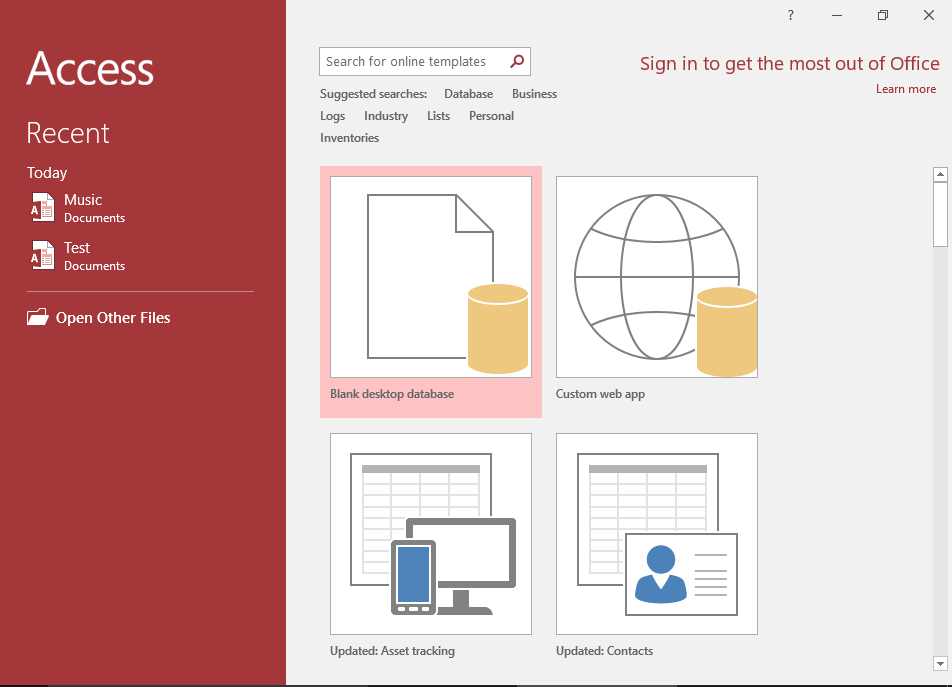
Access Tutorial
This Access tutorial is a good start, as most of the examples in this beginner's database tutorial use Access.
This Access tutorial walks you through creating a database, with forms, reports, queries, relationships, and more.
Go to Access Tutorial -
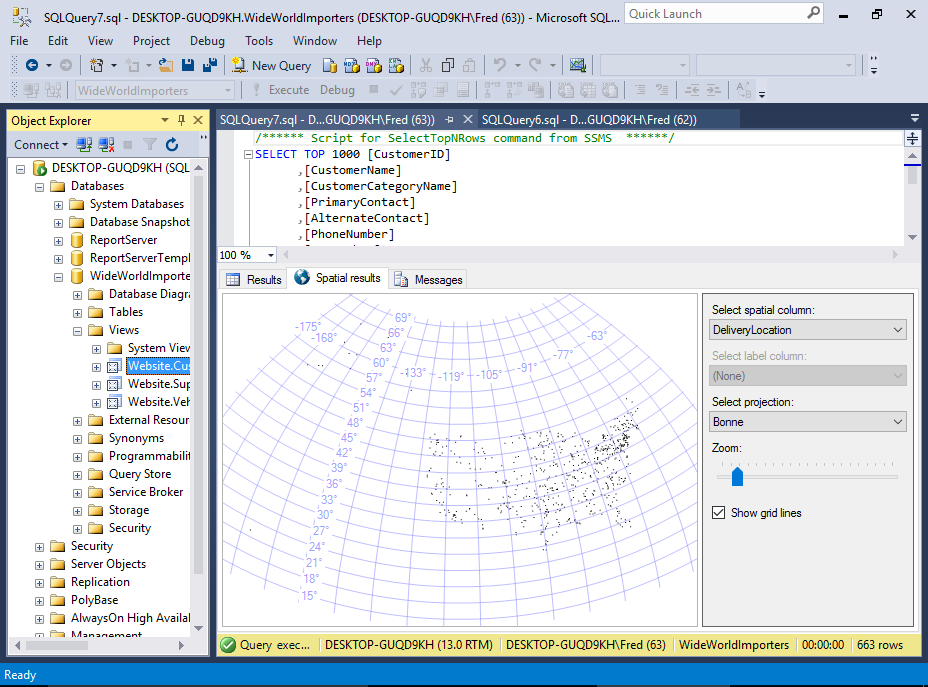
SQL Server Tutorial
SQL Server is an enterprise database management system from Microsoft. It is a client/server database and is used throughout corporate environments throughout the world.
This tutorial is a good progression from the Access one.
Go to SQL Server Tutorial -
SQL Tutorial
SQL stands for Structured Query Language. SQL is the standard language for querying relational databases.
This tutorial covers how to programatically do things like, create databases, create tables, query the data, insert data, update, delete, and more.
This is "must have" knowledge for anyone considering a career working with databases.
Go to SQL TutorialBonus! If you prefer having a whole tutorial on a single page, check out my SQL tutorial over at database.guide.